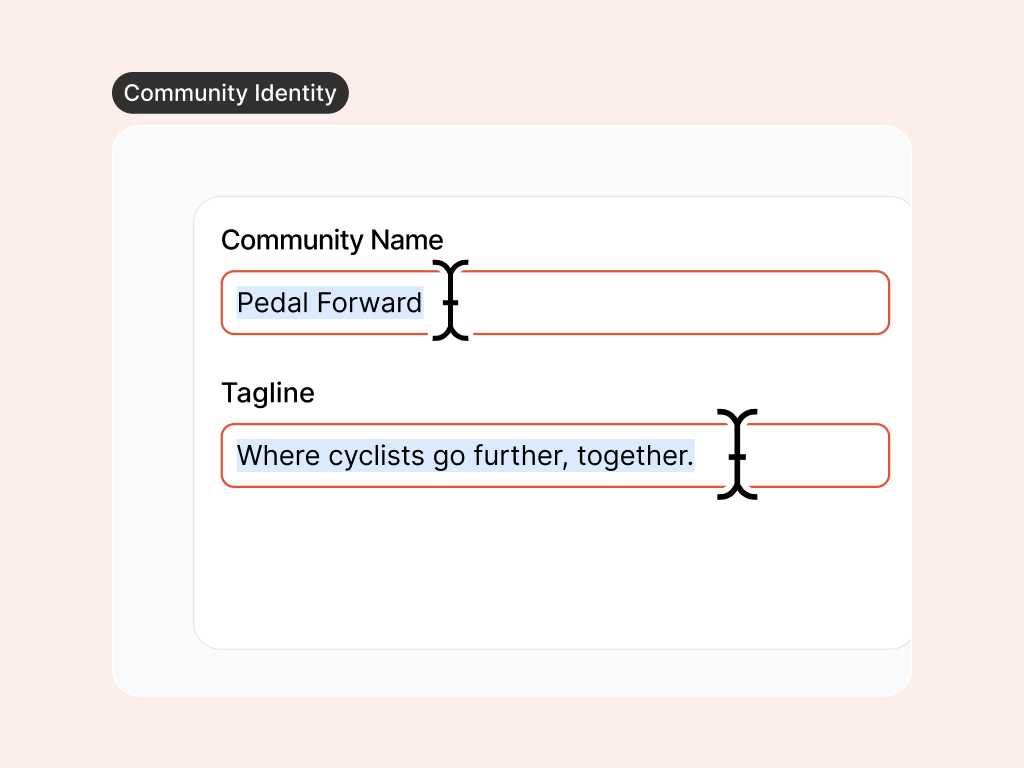
Set your name and tagline
Zoe proposes options that explain who you are and why your community exists, from the first headline members read.
Launch with a brand members trust, before your first visitor decides to stay or leave.
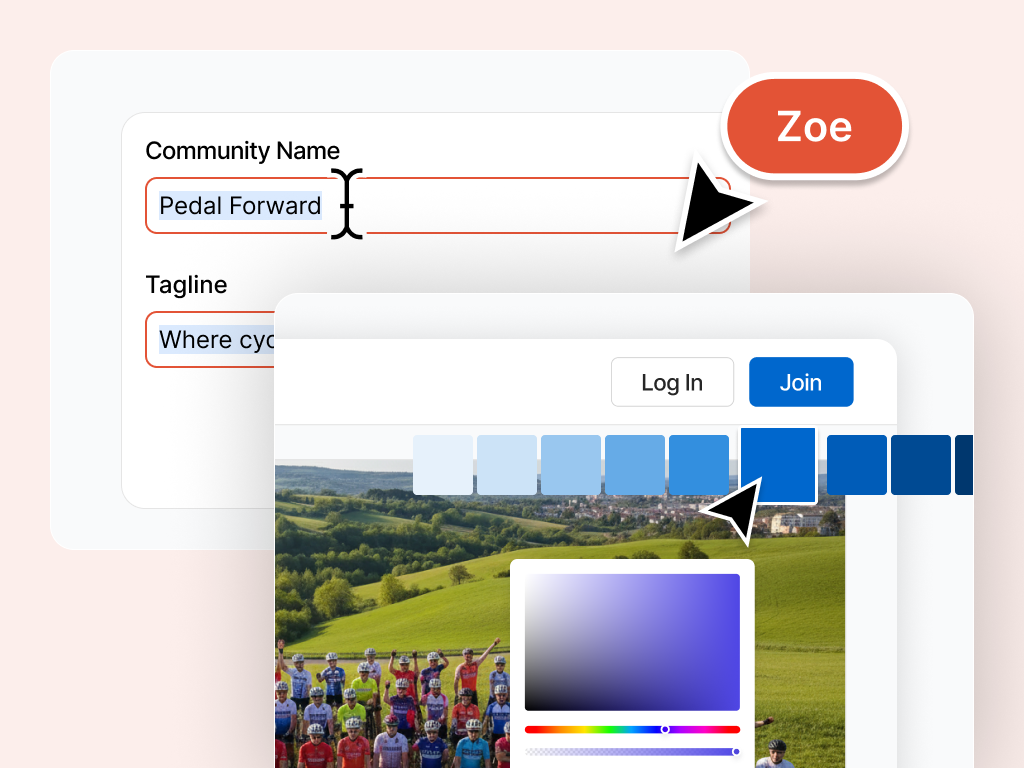
First impressions decide whether people join. Zoe helps you look established from day one: a clear name, cohesive colours, and assets that feel like yours, without paying for a design agency or guessing what will go live.
Zoe proposes options that explain who you are and why your community exists, from the first headline members read.
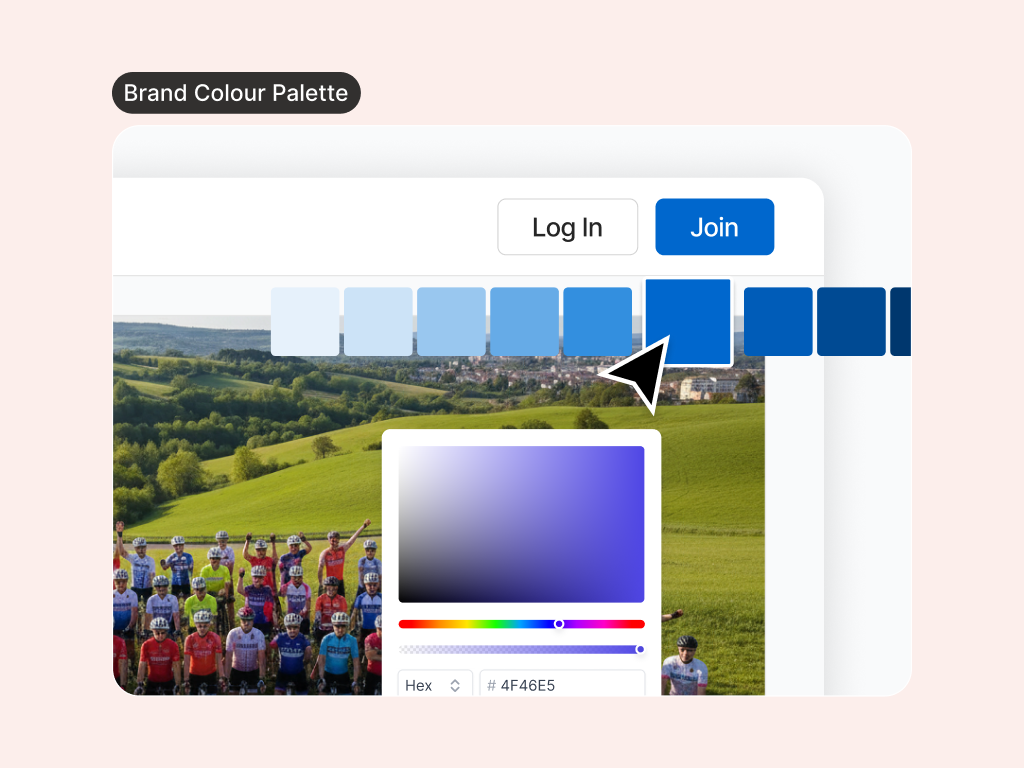
Zoe turns your main brand colour into a full palette so every surface looks polished and consistent, without hand-picking dozens of shades.
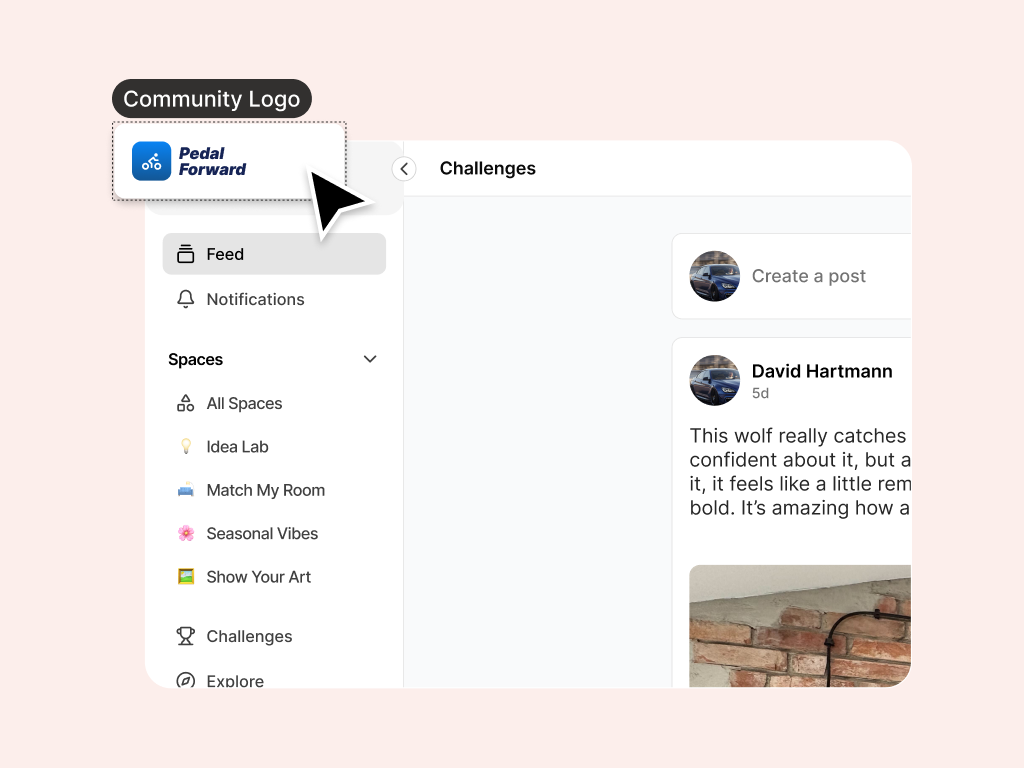
Propose logo and symbol settings using assets you upload in the product. Nothing goes live until you approve the draft in Preview.
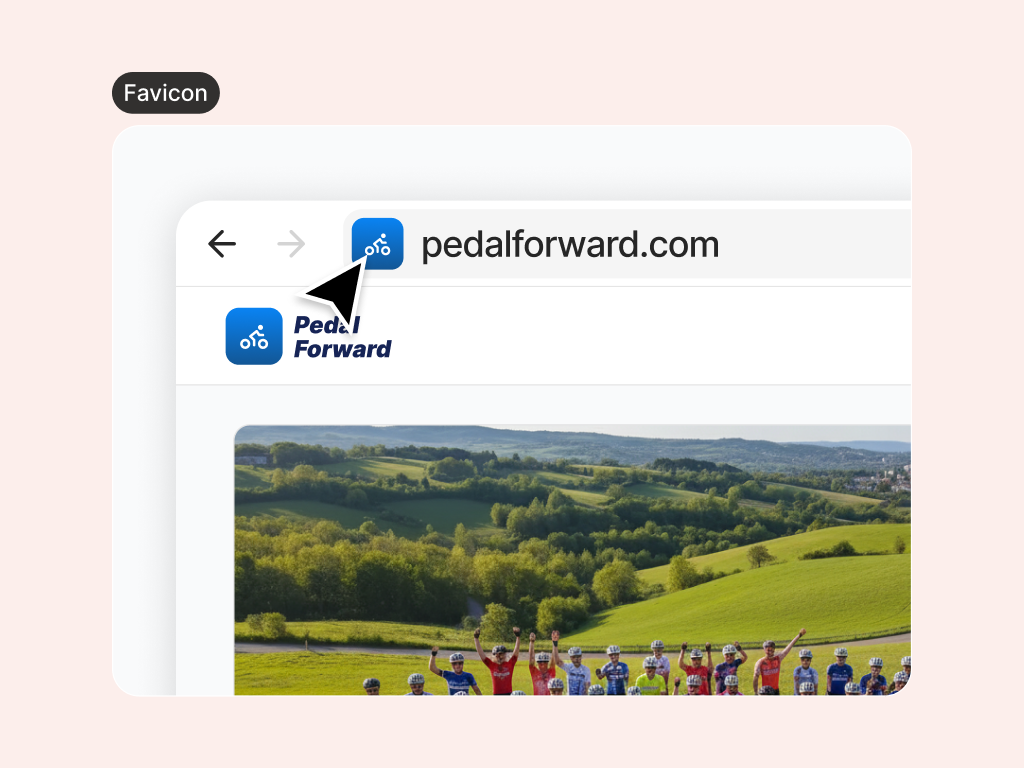
Propose favicon settings from assets you upload, so members can spot your community when they have a dozen browser tabs open.
Already have a site? Share the URL and Zoe can use static brand cues from that page as a starting point for your palette draft.
Approved brand context is available to your other AI colleagues, so your page, signup flow, and community stay aligned.
See what is live today before you refresh anything, so you never lose track of what members already see.
One approved brand applied everywhere members interact with you, so the experience feels intentional end to end.
Ask in plain language, review drafts in Preview, and apply when you are ready.
Describe the community you want to build. Zoe turns that into concrete brand options you can react to.
Review names, colours, and assets as a draft. Your live community stays untouched until you are happy.
Apply the parts that feel right and leave the rest. You choose what members see.
Shared brand context helps the rest of your AI team stay aligned as you launch.
Tell Zoe what you want in Collaborate, then switch to Preview to check names, colours, and assets before you apply them.
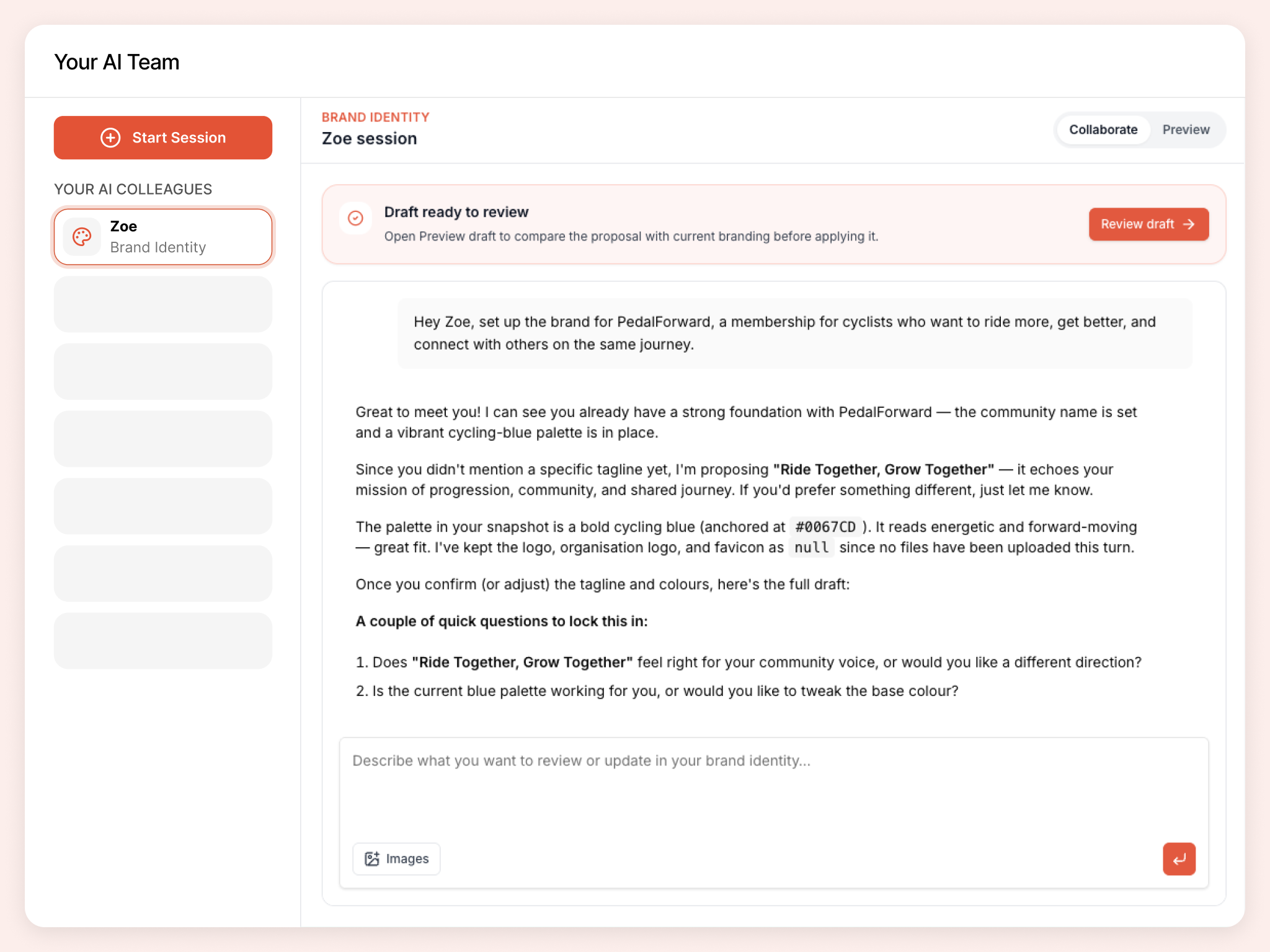
Hand off real tasks in everyday language. Zoe turns them into drafts you review in Preview before anything goes live.
Help me choose a colour palette and tagline that make my creator community feel premium.
This is our website: homearthaven.com. Draft a colour palette that matches our existing brand.
We rebranded. Update our community and organisation names to match.
Build a colour palette from our main brand colour so we look consistent everywhere.
Zoe is one member of your AI team. Colleagues share organizational context as you build, so your brand, pages, signup flow, and community stay connected.
A public page that turns visitors into members: headlines, sections, proof, and CTAs you preview before publish.
A joining experience that sets the right expectations: intake questions, form copy, and flows you preview before publish.
Member areas that make sense from day one: names, visibility, icons, and featured placement you preview before apply.
Challenges, badges, and points members can work toward. Preview before apply.
Sign up for Coralbeat Community and collaborate with Zoe. No credit card required.
Work with Zoe